 MoaNyang
Skip it.
Save it.
Color it in.
A coffee here, a cab ride there. Log what you saved today, and the photo of what you want fills with color as you go.
App Store Coming soon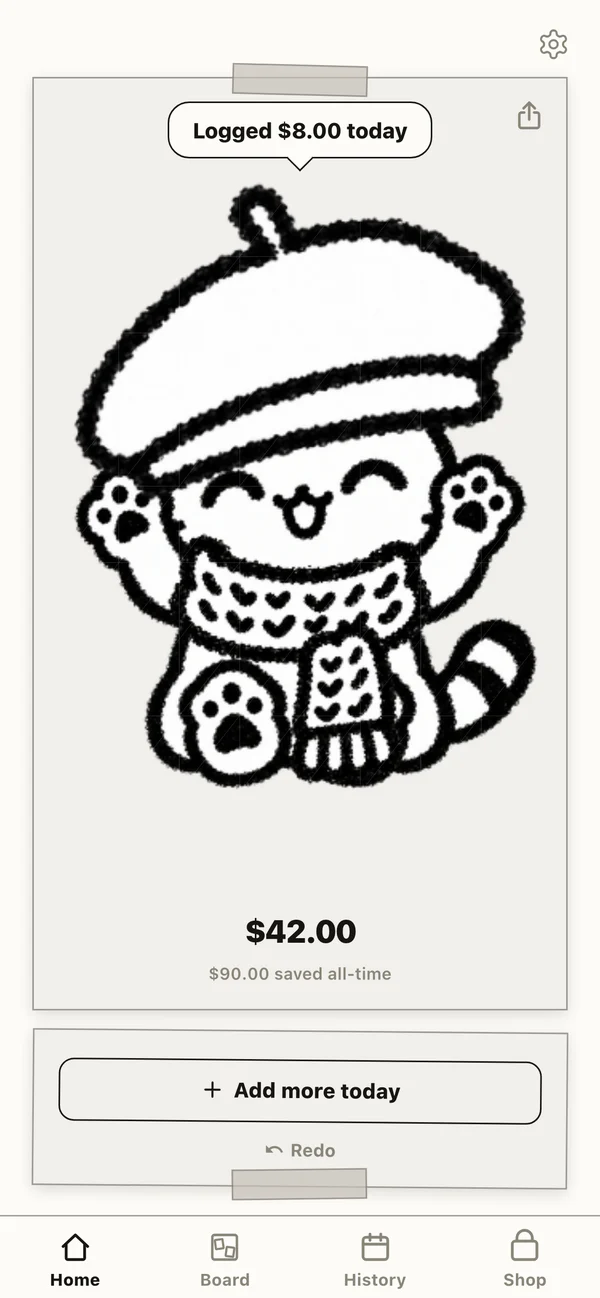

10 seconds a day!
Save a little,
color a little, meow

How it works
-
 01
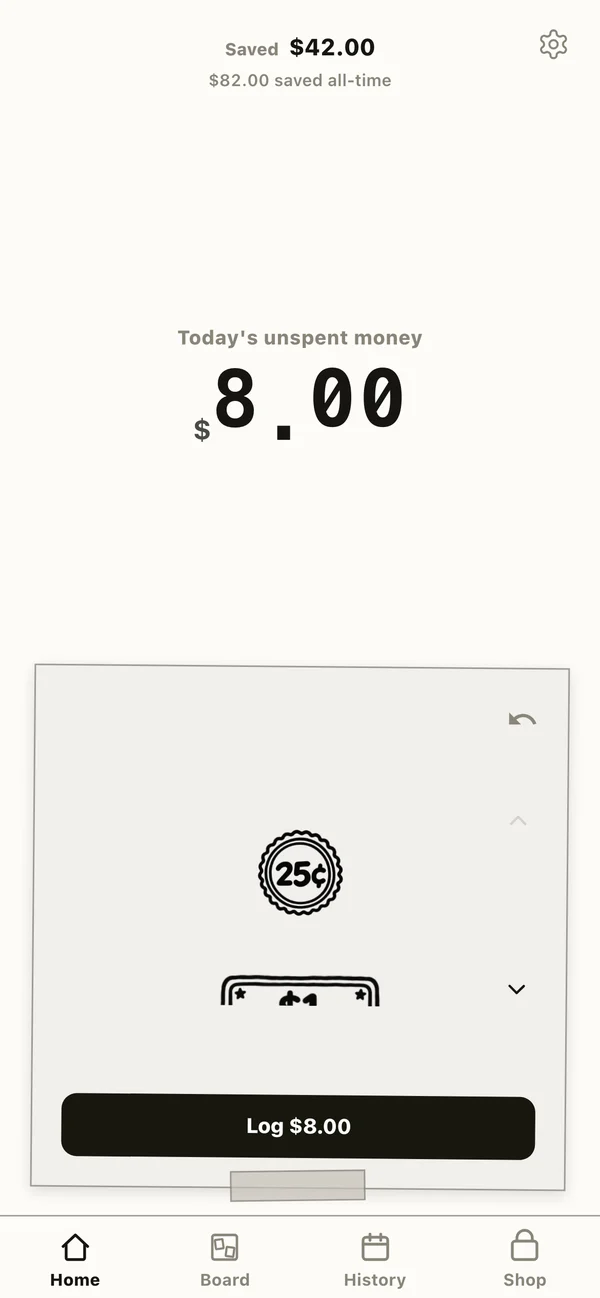
01Log what you didn’t spend
Tap coins and bills to log what you saved, once a day. Coffee, a cab ride — whatever you skipped counts.
tap, tap, done!
-
 02
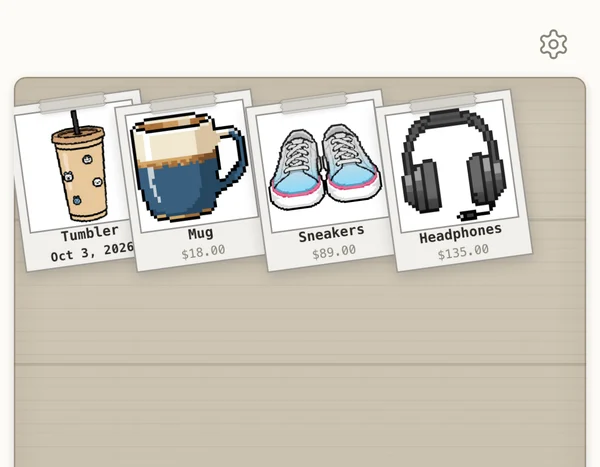
02Snap what you want
AI turns your photo into a pixel-art snapshot and pins it to your wooden board. It starts out black and white.
pinned to my board!
-
 03
03It fills as you save
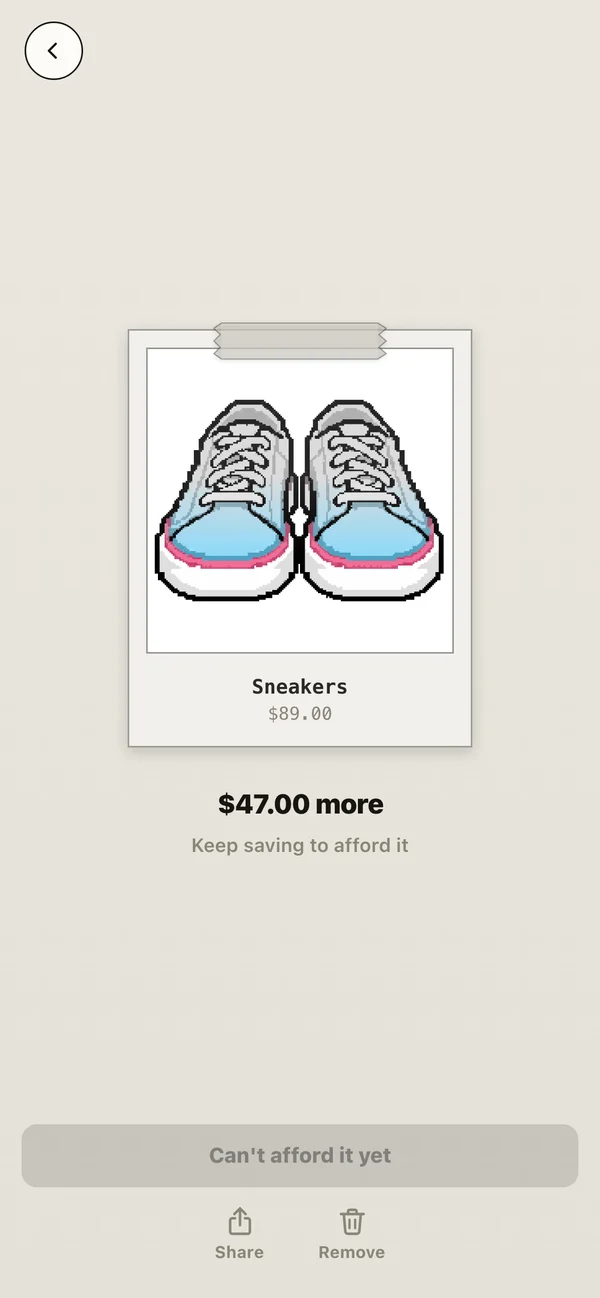
The more you log, the higher the color rises — and you can see exactly how much is left. When it’s full, you can afford it.
halfway there!
-
 04
04Buy it, dress your cat
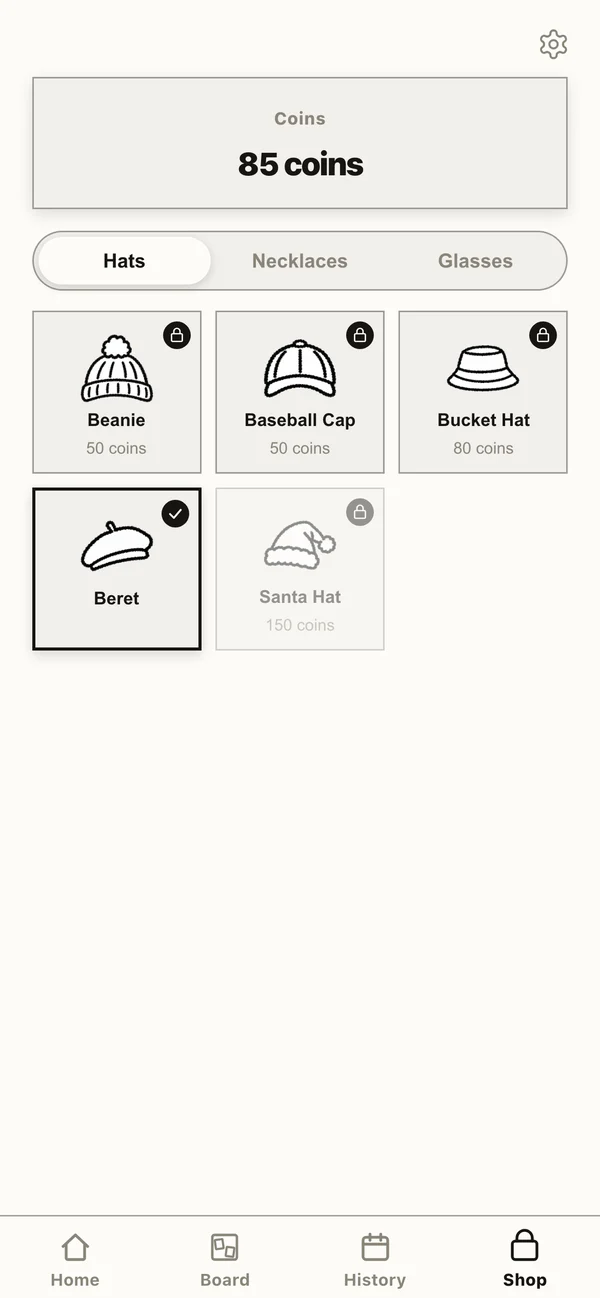
Buying earns coins. Spend them on hats, necklaces and glasses for your cat.
beret day
Look back and smile
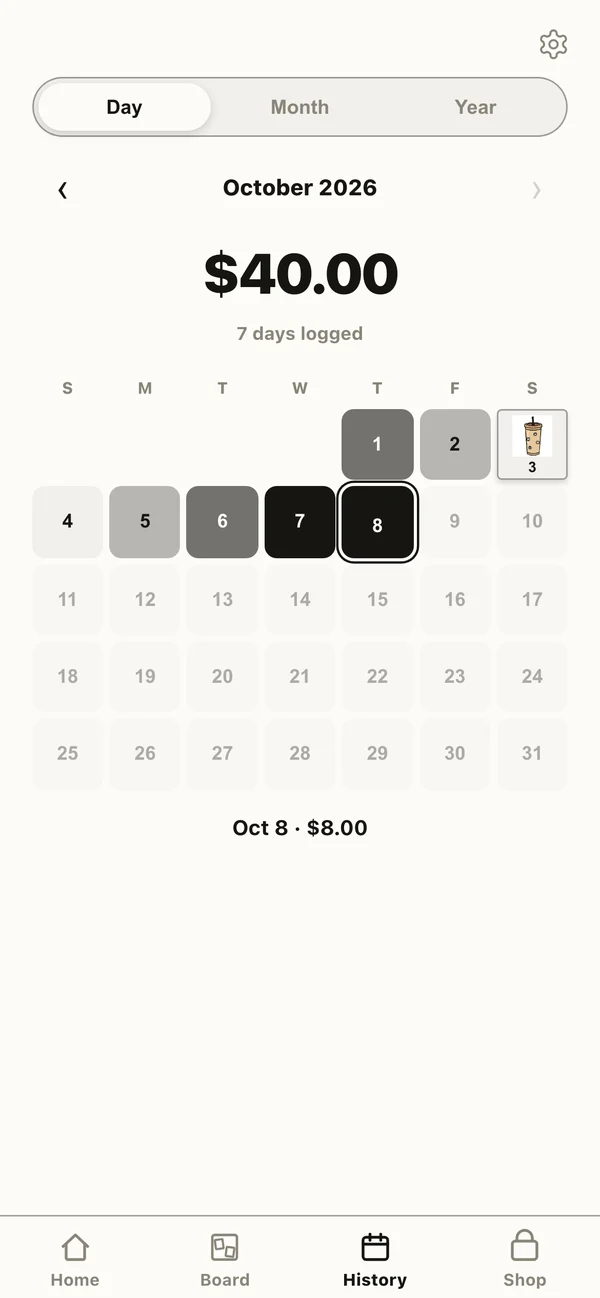
The History tab shows how much you saved each day. Bigger days get darker, and the days you bought something get its photo.
bought the tumbler!
The more you save, the fancier the cat

Every hat is
a thing you bought, meow

15 hats, necklaces and glasses. The fancier your cat, the more you’ve actually bought.
MoaNyang
 MoaNyang
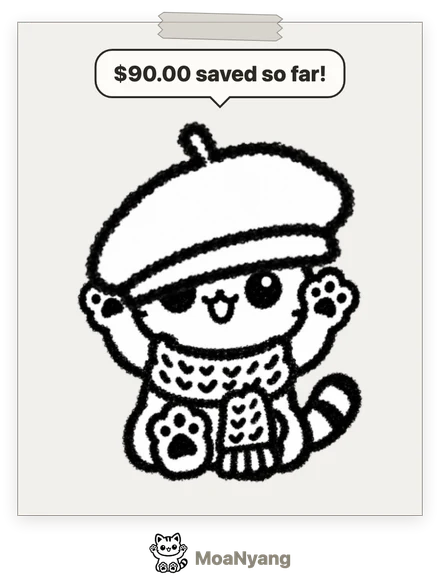
Show it off
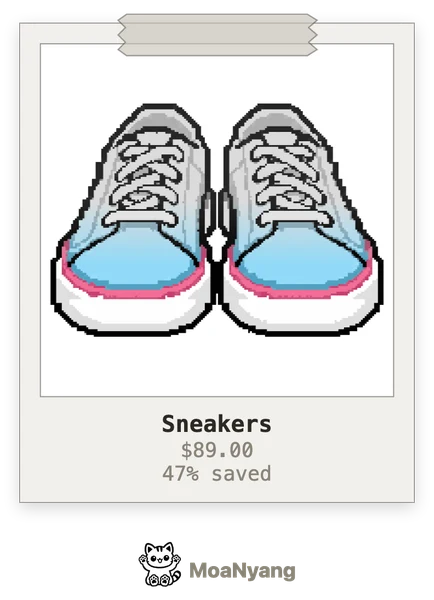
Turn your snapshot or dressed-up cat into a clean image and post it straight to your Instagram Story, or send it to a friend. Choose whether to show the price or your total before you share.
straight to your Story!
- No sign-upNo email, no password. Open it and go.
- Your records stay on your phoneYour savings and logs are never sent to a server. Keep them safe with a backup file.
- No adsNothing covers your screen. Your first photo is free.
FAQ
Where are my records stored?
Your savings, daily log, and wish list are stored only on this device. They aren’t sent to a server, so deleting the app deletes them too. Before deleting the app or switching phones, save a file with Settings → Make a backup file — you can restore from it anytime.
What are films?
One film is used each time a photo is turned into pixel art. Your first film is free; after that you can buy film packs. If a conversion fails, the film is returned.
What happens to my films if I reinstall the app?
They stay. Films are tied to a number kept in your iPhone’s Keychain, so they carry over when you reinstall — and to a new iPhone on the same Apple Account if iCloud Keychain is on. If films didn’t arrive after a purchase, email us with the purchase date and product.
Where do my photos go?
They’re sent to an external AI service (fal.ai) to make the pixel art and aren’t stored. See the Privacy Policy for details.
How do I get a refund?
Apple processes all payments, so refunds are requested from Apple at reportaproblem.apple.com.
Contact sokurihj@gmail.com