 NyangBit
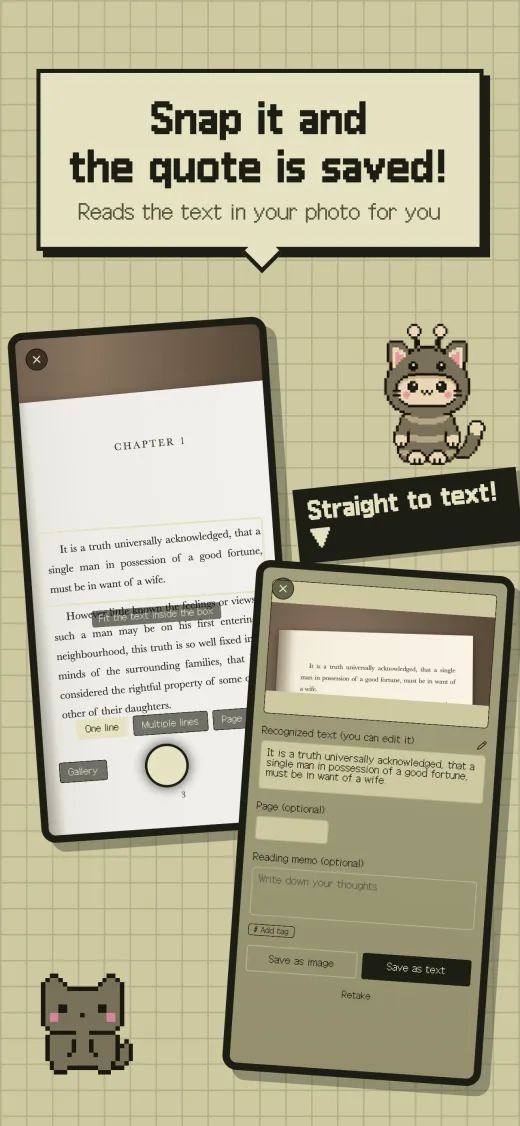
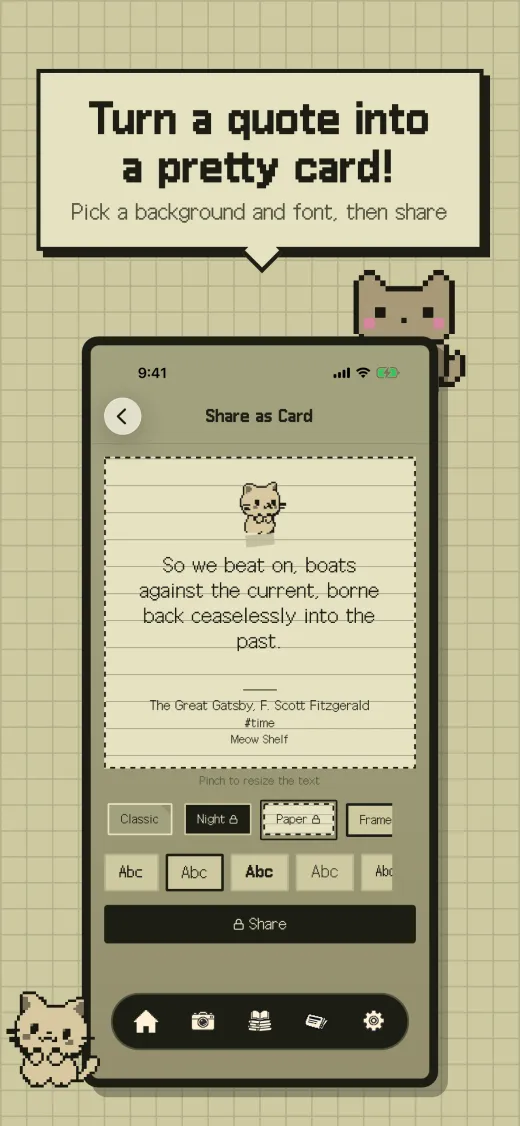
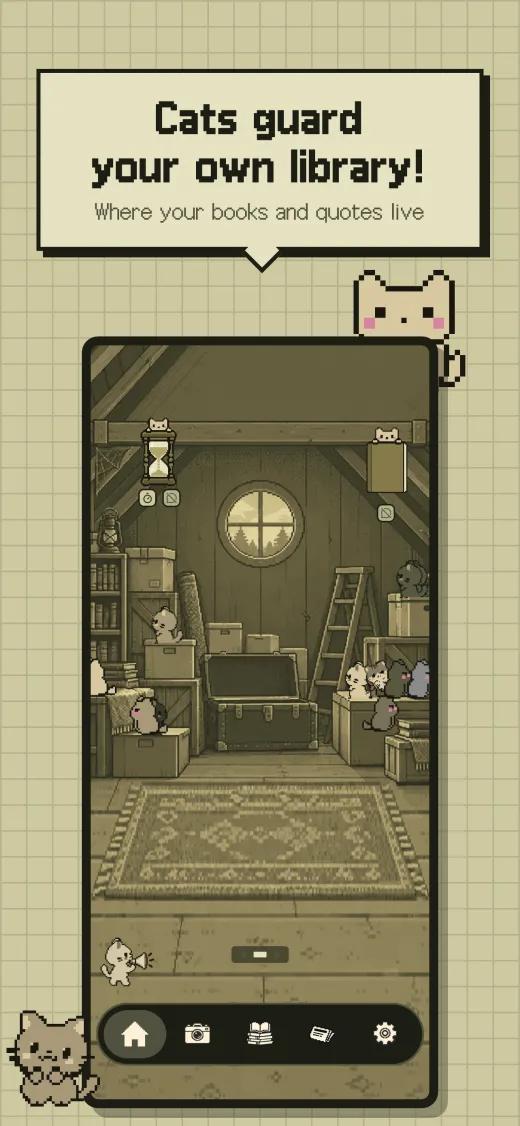
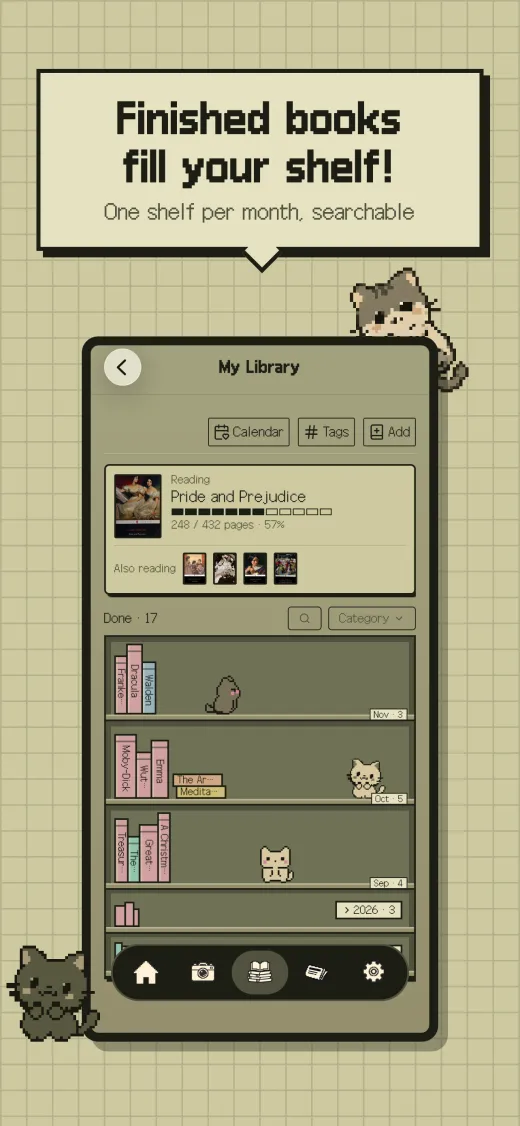
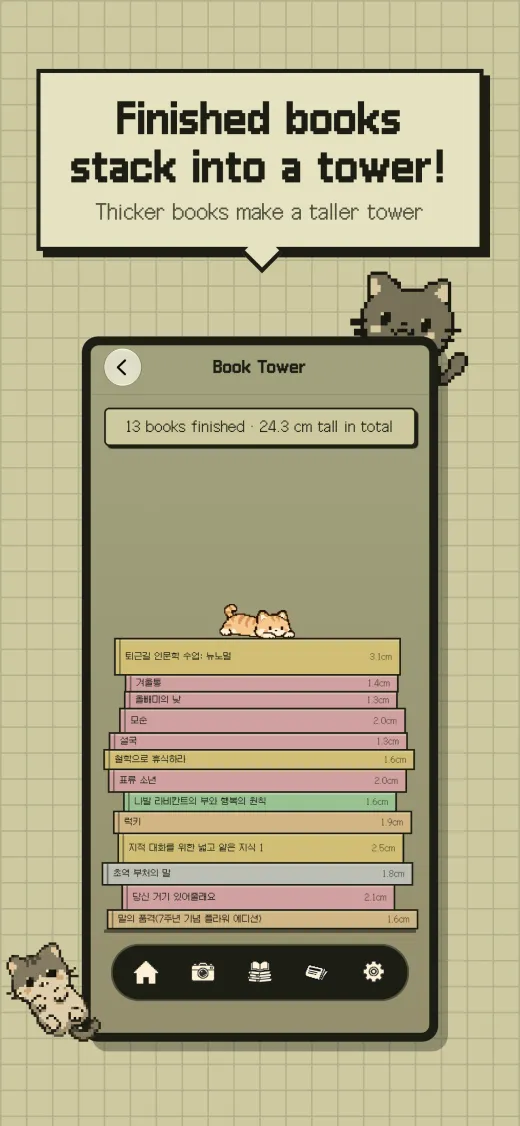
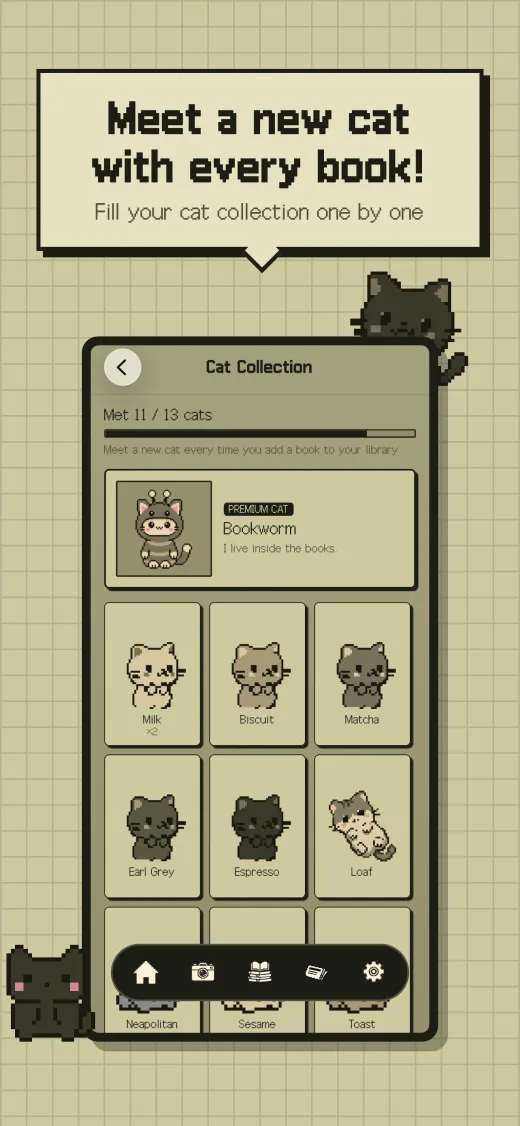
- Use it without logging inFrom adding books to saving quotes and collecting cats, no account needed.
- Your records stay on your phoneNothing is uploaded to our server until you log in.
- No ads, no subscriptionsThe core is free. A few extras unlock with a one-time purchase.
FAQ
Do I need to log in?
No. Adding books, saving quotes and notes, reading time and collecting cats all work without logging in. You only need to log in for server backup and the feed.
How do I move my records to a new phone?
Your records are stored only on your device by default, so deleting the app deletes them too. Make a file with Settings → Back up your records, then use “Import a saved file” on your new device to bring everything back. If you’re logged in, your books, quotes and notes are also backed up to the server.
Where do my photos go?
On iPhone, text in your photos is read on the device itself, so photos never leave it. On Android, photos are sent through our server to Google Cloud Vision to read the text more accurately. They are not stored, and only the recognized text comes back. Without an internet connection, Android reads the text on the device instead. See the Privacy Policy for details.
Is it free?
Book records, quote capture, reading time, collecting cats, backup and the feed are all free with no limits. Only extra share-card templates, character maps with 3+ people, tag graphs with 3+ tags and the Premium cat (a special cat that stays in your cat tower) are paid — buy once and keep them forever. No subscriptions, no ads.
What happens to my purchases if I switch phones?
Tap Restore purchase on your new iPhone signed in with the same Apple Account, and they unlock again at no extra cost. On Android, do the same on a new phone signed in with the same Google account. Purchases don’t carry over between iPhone and Android.
How do I get a refund?
Apple processes all payments, so refunds are requested from Apple at reportaproblem.apple.com. On Android, Google Play processes payments, so refunds are requested from Google Play in your Google Play order history. If a purchase didn’t unlock, please email us.